IT equipment is the part of an office move most likely to cause downtime if it goes wrong. Servers, network switches, and workstations need a different process from desks and chairs: proper backup, careful decommissioning, protective transport, and a tested recommissioning plan at the other end. This guide covers each stage.
Why IT Needs a Separate Relocation Plan
General furniture removal focuses on getting items from one building to another undamaged. IT relocation adds three extra requirements: data has to survive the move intact, hardware has to be reconnected correctly, and downtime has to be kept to a minimum because staff cannot work without it. Treating IT as just another category of office equipment is one of the most common causes of an overrunning office move.
Before Moving Day: Backup and Inventory
- Back up all critical data before the move, regardless of how short the physical journey is. Equipment can be damaged even during careful handling
- Create a full inventory of hardware being moved, including serial numbers for higher-value items such as servers
- Photograph cable configurations and network setups before disconnecting anything, so recommissioning matches the original setup
- Confirm with your IT provider or internal team exactly what needs to move, what is being replaced, and what can be recycled or disposed of
- Label every item clearly with its destination room and desk or rack position at the new site
Decommissioning: What to Do on the Day
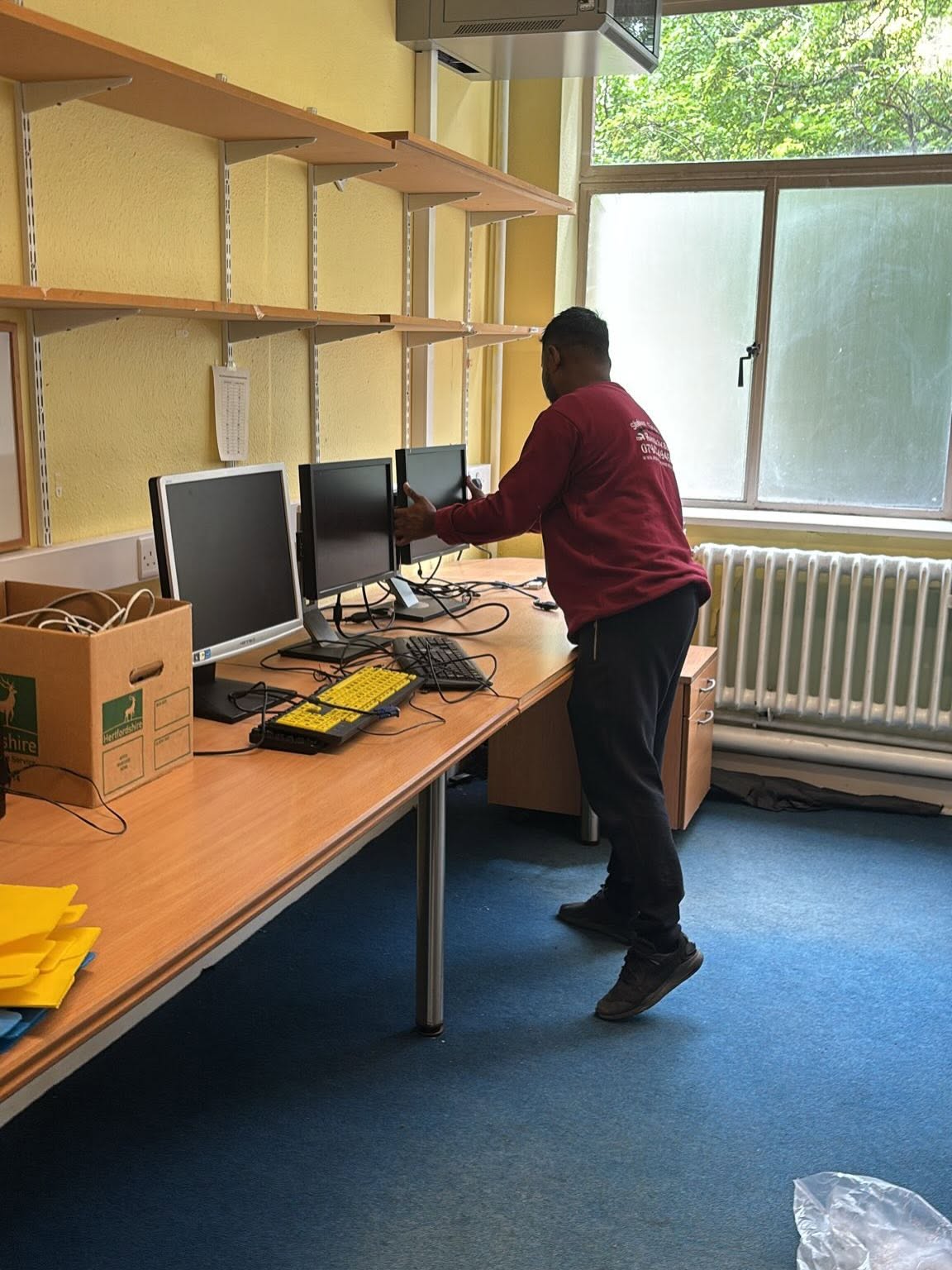
- Decommission IT equipment last, after most other departments have finished packing, so staff can keep working as long as possible
- Shut down and disconnect servers and network equipment following your provider’s standard procedure, not an improvised order
- Use anti-static packaging for sensitive components, particularly server hardware and internal parts
- Keep cables, adapters, and small components together with the equipment they belong to, rather than boxed separately
- Assign one person to oversee IT decommissioning specifically, separate from whoever is managing general office packing
Transport: Protecting Equipment in Transit
- Use a removal company experienced with IT equipment, or a specialist IT relocation provider, rather than treating it as standard cargo
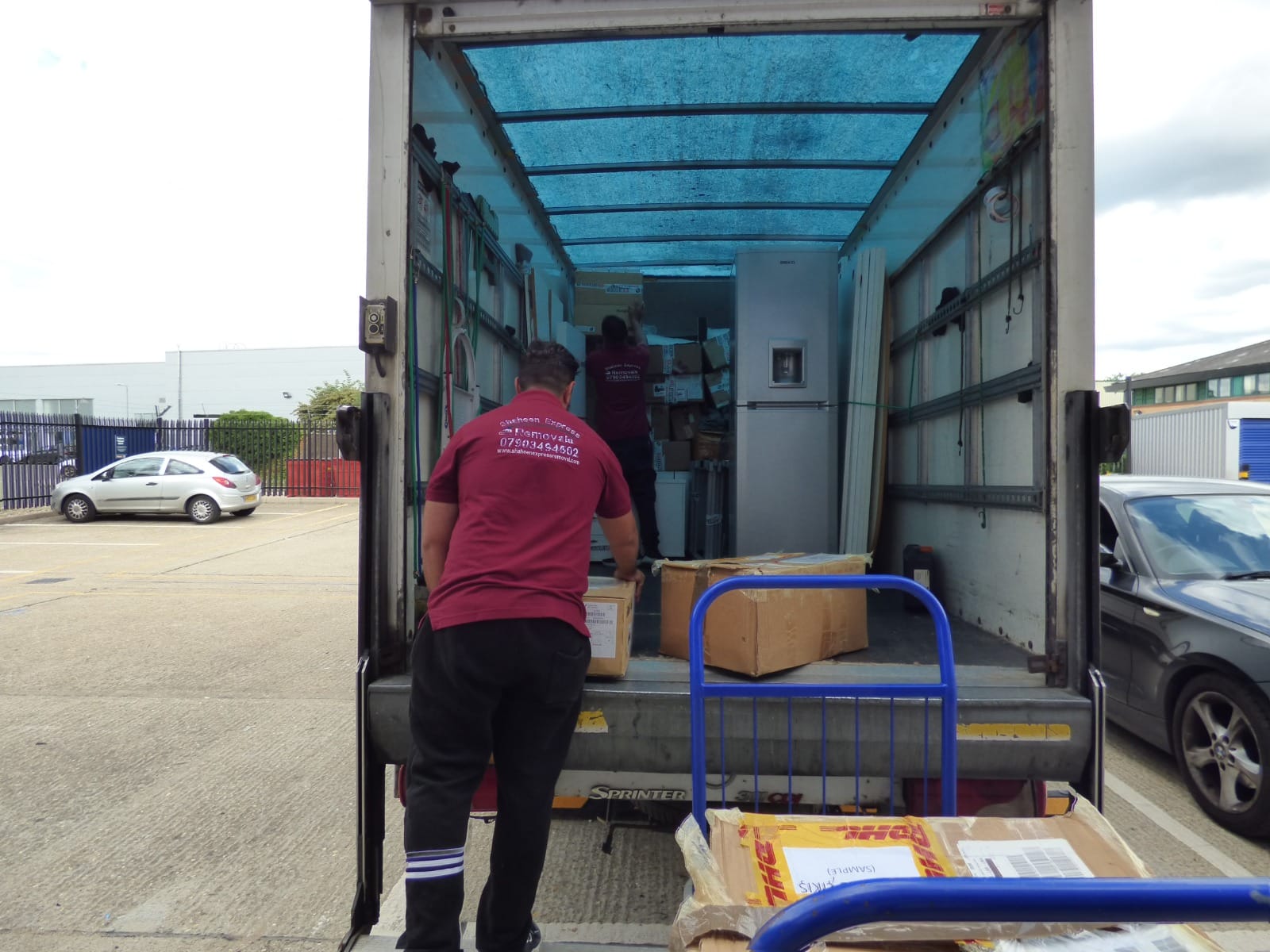
- Confirm the vehicle offers secure, padded transport suitable for electronics, not just standard furniture removal crates
- Check that goods-in-transit insurance covers the replacement value of IT hardware specifically, since general cover may have lower limits for electronics
- Keep server and network equipment together during transport rather than split across multiple trips, where possible, to simplify recommissioning
Recommissioning: Getting Systems Back Online First
IT should be the first thing reconnected at the new site, before furniture placement is finished, so that connectivity is confirmed while there is still time to fix problems before staff arrive. Test internet, internal network, phone systems, and any critical software before declaring the move complete. Keep your IT provider or internal team on site or on call during this stage rather than scheduling them for later in the day.
Typical IT Relocation Costs
IT relocation for a standard medium-sized office typically costs between £500 and £3,000, covering decommissioning, secure transport in protective packaging, and recommissioning of PCs, servers, and network equipment. Larger offices with more complex server infrastructure or specialist equipment will sit above this range. Get a specific quote based on your hardware inventory rather than relying on a general estimate, since the value and complexity of IT assets vary significantly between businesses.
Frequently Asked Questions
Should IT equipment be moved by the same company handling the rest of the office?
It depends on the company. Some office removal companies have experience and equipment suitable for IT relocation, while others recommend using a specialist IT relocation provider alongside the general removal team. Confirm which applies before booking, and check that whoever handles IT has a documented process for decommissioning and recommissioning.
How long does IT recommissioning usually take after an office move?
This depends on the scale of the infrastructure, but a straightforward small to medium office setup can often be reconnected and tested within a few hours, provided cabling and network setup at the new site were planned in advance. Complex server environments take longer and should be scheduled with extra time built in.
Do I need to back up data before an office move even if I use cloud storage?
Yes. Backing up before the move is still recommended even with cloud storage, since local hardware can be damaged in transit and any data not fully synced before the move could be at risk.
What is anti-static packaging and why does it matter for IT relocation?
Anti-static packaging prevents static electricity discharge from damaging sensitive electronic components during handling and transport. It matters most for server hardware, circuit boards, and other internal components that are vulnerable to static damage.
Move Your Office Tech With Local Support
Shaheen Express Removals handles office relocations across St Albans, Luton and Hertfordshire, including careful handling of IT equipment and office furniture as part of a coordinated moving day plan.